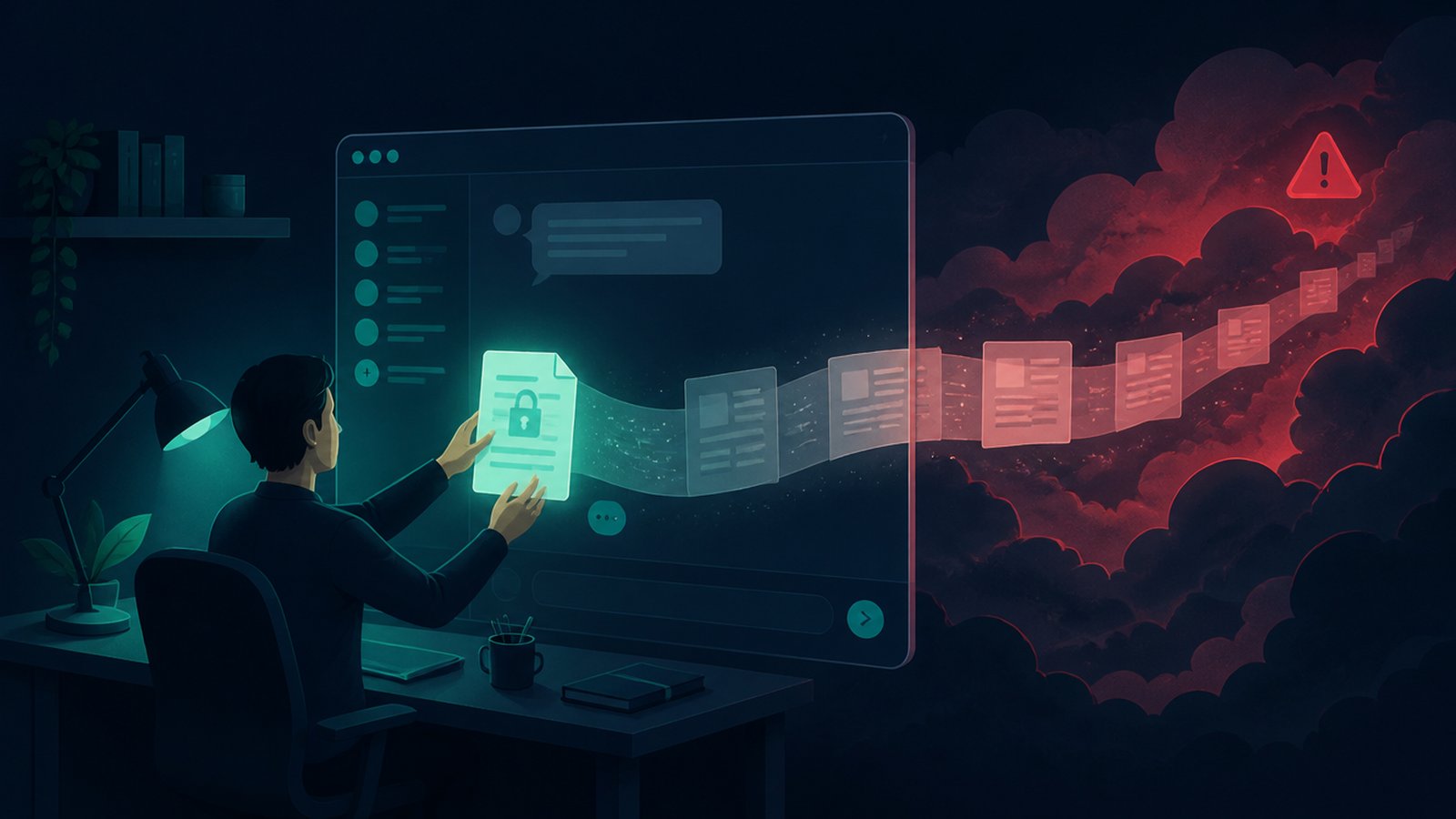
Somewhere in your company today, someone pasted something into a chatbot that legal would faint over. Probably with good intentions — fix this bug, summarise this contract, tidy this customer list. The paste is the leak: the moment sensitive text goes into a cloud AI tool, it has left your machine, your company, and your control. And in 2026 there are finally hard numbers showing how common this is.
Cyberhaven's 2026 AI adoption report found that 39.7% of workplace AI interactions involve sensitive data — the average employee feeds confidential material to an AI tool about once every three days. Per Verizon's 2026 Data Breach Investigations Report, unsanctioned "shadow AI" use is now the third most common insider action they track — four times last year's rate — with most of it happening on personal accounts, and source code the single most-leaked data type. Employers noticed: JPMorgan, Goldman Sachs, Deutsche Bank and most big banks restrict public chatbots, Samsung banned them back in 2023 after engineers pasted chip source code, and this April even the DNC barred staff from ChatGPT and Claude.
I'm not going to tell you to stop using AI — I use it daily and build AI tools myself. This is about knowing what should never leave your machine, and setting up the free local alternative for exactly those cases.
The never-paste list
- Credentials and keys. Passwords, API keys, tokens, connection strings. These are literal secrets — a chat window is the last place they belong. If you pasted a key by accident, rotate it today.
- Source code you don't own. Your employer's code is their property, and per the DBIR it's the #1 thing leaking through AI tools. "Fix my function" feels harmless; pasting the proprietary module around it is how Samsung ended up on the news.
- Customer and employee personal data. Names with emails, addresses, IDs, salaries. In most places this is regulated data — pasting it into a consumer chatbot can be a reportable incident all by itself.
- Health and financial records. Yours or anyone's. The most regulated data categories that exist.
- Unreleased business information. Financials before earnings, unannounced products, deal terms, legal disputes. Anything that would hurt printed on the front page.
The pattern behind all five: paste nothing you couldn't defend pasting in front of the person it belongs to.
Why deleting the chat doesn't undo it
Once submitted, the text has been transmitted, processed, and typically logged on infrastructure you can't see. Depending on the service and your settings, it may be retained for abuse monitoring, reviewed by humans, or used to improve models. Deleting the conversation removes it from your screen — what happens on their side is governed by their policy, not your delete button. Maybe the provider handles it perfectly. The point is you can't verify it, and with the five categories above, "probably fine" isn't a standard.
The local fix: free AI that never phones home

Here's what changed in 2026: running a capable AI model on your own PC stopped being a hobbyist project. When the model runs locally, the paste never leaves your machine — the entire question above evaporates. The options, all free:
- Microsoft Foundry Local — Microsoft's own on-device AI runtime, generally available since Build in June. A ~20MB install that runs models like Phi-4, Qwen and DeepSeek fully on-device, using your GPU or NPU when present and plain CPU when not.
- Jan, LM Studio, or Ollama — the friendlier one-app routes. Pick a small model (7B or under), and a normal PC with ~8GB RAM runs it. Slower than ChatGPT, smarter than you'd expect, and airplane-mode-proof.
Honest expectations: a small local model is not GPT-5. For rewriting text, summarising documents, explaining code, first drafts — the everyday pastes — it's genuinely good enough. My rule of thumb: public questions go to cloud AI, private material goes to the local model. You don't have to pick one side; you just need both installed.
There's a quiet irony in who else reached this conclusion: Microsoft itself has been pulling Copilot back in consumer Windows — removing the button from Snipping Tool and Photos, with its Copilot chief saying the goal is to "remove Copilot from places where it doesn't live up to its promise" — while simultaneously shipping Foundry Local so AI can run on-device. Even the biggest cloud-AI company on earth is hedging toward local. (Credit where due: Windows Recall, whose first version I covered critically, is at least opt-in, locally stored and Windows Hello-gated these days.)
The same logic applies beyond chatbots
This is the thesis this whole site runs on: work that involves sensitive material should happen in software that doesn't upload it. It's why I wrote about cloning voices offline instead of through cloud services — your voice is biometric data — and why every tool I build, from the PDF editor (contracts are exactly category-5 material) to the voice cloner, runs offline. "Local by default" isn't paranoia anymore; it's just the tidy way to never have this problem.
Bottom line
Keep using AI — it's too useful not to. Just sort your pastes: the five categories above never go to the cloud, and a free local model on your Windows PC means you never face the choice between getting help and keeping a secret. Ten minutes of setup, and the most common data leak of 2026 simply can't happen to you.
Everything I build runs offline for the reason this post exists — RBS PDF Editor for documents, RBS Voice Cloner V2 for voice work, RBS PC Cleaner for upkeep. Free, no accounts, no telemetry. Made by Rai, solo dev, Singapore.